Showing posts with label get rid of redirects. Show all posts

12/28/2015

Redirected by Alnaddy.com Domain Pages Frequently? Take Actions to Get Rid of the Hijacker

What is Alnaddy.com


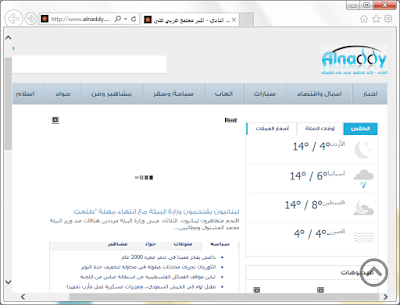
Alnaddy.com is search page with a messy design that if you visit it, you will also receive some other pop-up spams from it. Obviously this page is not suitable for the English speaking users, but some users have to suffer this page since their default start pages are replaced with it without permission.


5/27/2015

Help to Remove Websearch.searchtotal.info From Chrome/ Firefox/ IE - Websearch.searchtotal.info Browser Hijacker Removal Guide

What is Websearch.searchtotal.info?


Websearch.searchtotal.info is an unreliable website which is categorized as a browser hijacker promoted via bundled with freeware. It usually is bundled with the freeware installation as an optional offer set for automatic installation. So, computer users very often download this browser hijacker or other unwanted programs unwittingly. Recently, bundling seems to have been a very common method for cyber criminals to distribute third party websites. Therefore, the users should pay close attention to the freeware download and installation. Once this browser hijacker manages to penetrate into the computer system, it will alter and replace users' browser homepage as well as default search engine, then the users will be redirected to its own site - websearch.searchtotal.info again and again.

5/12/2015

Help to Remove Yoursearch.me Browser Hijacker From Chrome/ Firefox/ IE Effectively - Useful Instructions for Browser Hijacker Removal

Each time you open your web browsers, you are redirected to Yoursearch.me without your permission. At first sight, this website looks like legitimate and you may keep using it as your search engine. However, you should keep in mind that it automatically replace your homepage and default search engine without any approval. Obviously, it is an unreliable website which has the same capabilities as a browser hijacker that you should not keep on your PC. Without taking any actions to remove it from your computer system, your computer will end up with numerous computer problems. Read this post to know more about this browser hijacker and safeguard your PC from the latest computer viruses better.

What is Yoursearch.me?


Yoursearch.me is an unreliable website which is categorized as a browser hijacker promoted via bundled with freeware. It usually is bundled with the freeware installation as an optional offer set for automatic installation. So, computer users very often download this browser hijacker or other unwanted programs unwittingly. Recently, bundling seems to have been a very common method for cyber criminals to distribute third party websites. Therefore, the users should pay close attention to the freeware download and installation. Once this browser hijacker manages to penetrate into the computer system, it will alter and replace users' browser homepage as well as default search engine, then the users will be redirected to its own site - Yoursearch.me again and again.
5/11/2015

Help to Remove Cassiopesa.com Browser Hijacker From Chrome/ Firefox/ IE Effectively - Useful Guide for Browser Hijacker Removal

Each time you open your web browsers, you are redirected to cassiopesa.com without your permission. At first sight, this website looks like legitimate and you may keep using it as your search engine. However, you should keep in mind that it automatically replace your homepage and default search engine without any approval. Obviously, it is an unreliable website which has the same capabilities as a browser hijacker that you should not keep on your PC. Without taking any actions to remove it from your computer system, your computer will end up with numerous computer problems. Read this post to know more about this browser hijacker and safeguard your PC from the latest computer viruses better.

What is Cassiopesa.com?


Cassiopesa.com is an unreliable website which is categorized as a browser hijacker promoted via bundled with freeware. It usually is bundled with the freeware installation as an optional offer set for automatic installation. So, computer users very often download this browser hijacker or other unwanted programs unwittingly. Recently, bundling seems to have been a very common method for cyber criminals to distribute third party websites. Therefore, the users should pay close attention to the freeware download and installation. Once this browser hijacker manages to penetrate into the computer system, it will alter and replace users' browser homepage as well as default search engine, then the users will be redirected to its own site - cassiopesa.com again and again.

5/07/2015

Guide to Remove Dregol.com Browser Hijacker From Chrome/ Firefox/ IE - Useful Instructions for Browser Hijacker Removal

Each time you open your web browsers, you are redirected to dregol.com without your permission. At first sight, this website looks like legitimate and you may keep using it as your search engine. However, you should keep in mind that it automatically replace your homepage and default search engine without any approval. Obviously, it is an unreliable website which has the same capabilities as a browser hijacker that you should not keep on your PC. Without taking any actions to remove it from your computer system, your computer will end up with numerous computer problems. Read this post to know more about this browser hijacker and safeguard your PC from computer viruses better.

What is Dregol.com?


Dregol.com is an unreliable website which is categorized as a browser hijacker promoted via bundled with freeware. It usually is bundled with the freeware installation as an optional offer set for automatic installation. So, computer users very often download this browser hijacker or other unwanted programs unwittingly. Recently, bundling seems to have been a very common method for cyber criminals to distribute third party websites. Therefore, the users should pay close attention to the freeware download and installation. Once this browser hijacker manages to penetrate into the computer system, it will alter and replace users' browser homepage as well as default search engine, then the users will be redirected to its own site - dregol.com again and again.

5/05/2015

Help to Remove Websearch.seekplaza.info Browser Hijacker From IE/ Chrome/ Firefox - Useful Guide for Browser Hijacker Removal

What is Websearch.seekplaza.info?


Websearch.seekplaza.info is an unreliable website which is categorized as a browser hijacker promoted via bundled with freeware. It usually is bundled with the freeware installation as an optional offer set for automatic installation. So, computer users very often download this browser hijacker or other unwanted programs unwittingly. Recently, bundling seems to have been a very common method for cyber criminals to distribute third party websites. Therefore, the users should pay close attention to the freeware download and installation. Once this browser hijacker manages to penetrate into the computer system, it will alter and replace users' browser homepage as well as default search engine, then the users will be redirected to its own site - websearch.seekplaza.info again and again.

5/04/2015

Guide to Remove RabbitSearch.net From Chrome/ Firefox/ IE Effectively - Useful Removal Instructions for Win 7/ Win 8 Users

What is RabbitSearch.net?


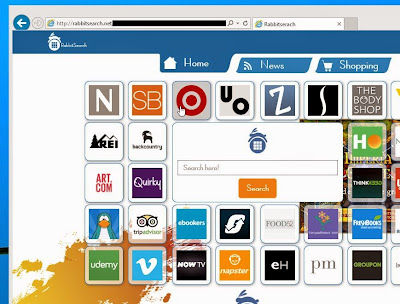
RabbitSearch.net is an unreliable website which is categorized as a browser hijacker promoted via bundled with freeware. It usually is bundled with the freeware installation as a optional offer set for automatic installation. So, computer users very often download this browser hijacker or other unwanted programs unwittingly. Recently, bundling seems to have been a very common method for cyber criminals to distribute third party websites. Therefore, the users should pay close attention to the freeware download and installation. Once this browser hijacker manages to penetrate into the computer system, it will alter and replace users' browser homepage as well as default search engine, then the users will be redirected to its own site - http://rabbitsearch.net/.

4/27/2015

Guide to Remove Websearch.freesearches.info From IE/ Chrome - Helpful Removal Instructions for Browser Hijacker

About Websearch.freesearches.info:


Websearch.freesearches.info is an unreliable website which is categorized as a browser hijacker promoted via bundled with freeware. It usually is bundled with the freeware installation as a optional offer set for automatic installation. So, computer users very often download this browser hijacker or other unwanted programs unwittingly. Recently, bundling seems to have been a very common method for cyber criminals to distribute third party websites. Therefore, the users should pay close attention to the freeware download and installation. Once this browser hijacker manages to penetrate into the computer system, it will alter and replace users' browser homepage as well as default search engine, then the users will be redirected to its own site - Websearch.freesearches.info.

4/23/2015

How to Remove Search.golliver.com From IE/ Chrome Effectively - Effective Removal Guide for Browser Hijacker Removal

About Search.golliver.com:


Search.golliver.com is an unreliable website which is categorized as a browser hijacker promoted via bundled with freeware. It usually is bundled with the freeware installation as a optional offer set for automatic installation. So, computer users very often download this browser hijacker or other unwanted programs unwittingly. Recently, bundling seems to have been a very common method for cyber criminals to distribute third party websites. Therefore, the users should pay close attention to the freeware download and installation. Once this browser hijacker manages to penetrate into the computer system, it will alter and replace users' browser homepage as well as default search engine, then the users will be redirected to its own site - search.golliver.com.


4/03/2015

How to Block Websearch.searchoholic.info Redirect - Guide to Uninstall Websearch.searchoholic.info Effectively

What is Websearch.searchoholic.info?


Websearch.searchoholic.info, a harmful domain, is able to change users’ homepage and default search engine. The harmful domain is also deemed as a browser hijacker and it usually penetrates into users’ web browsers without users’ permission and causes annoying redirects. Once the browser hijacker manages to infiltrate into the system, it will change your browsers to websearch.searchoholic.info.

Guide to Block MaxWebSearch.com - How to Remove MaxWebSearch.com Effectively?

What is MaxWebSearch.com?


MaxWebSearch.com, a harmful domain, is able to change users’ homepage and default search engine. The harmful domain is also deemed as a browser hijacker and it usually penetrates into users’ web browsers without users’ permission and causes annoying redirects. Once the browser hijacker manages to infiltrate into the system, it will change your browsers to http://maxwebsearch.com/.

3/30/2015

Guide to Remove Zooms.searchalgo.com - How to Get Rid of Zooms.searchalgo.com Effectively?

What is Zooms.searchalgo.com?


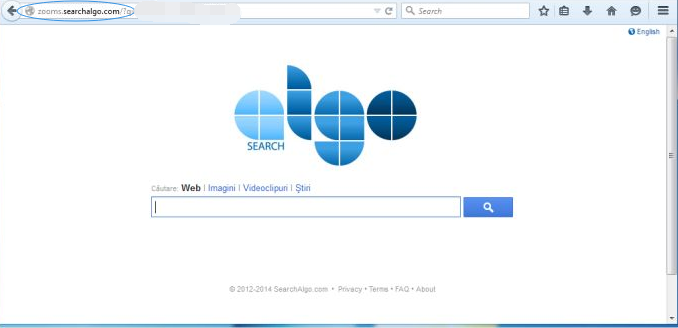
Zooms.searchalgo.com, a harmful domain, is able to change users’ homepage and default search engine. The harmful domain is also deemed as a browser hijacker and it usually penetrates into users’ web browsers without users’ permission and causes annoying redirects. Once Zooms.searchalgo.com manages to infiltrate into the system, it will change your browsers to http://zooms.searchalgo.com/.


3/29/2015

Effectively Guide to Remove Addresseslittlessexy.com - Two Solutions to Delete Addresseslittlessexy.com

What is Addresseslittlessexy.com?


Addresseslittlessexy.com, deemed as a malicious browser hijacker, is distributed by cyber hackers. The browser hijacker targets at computer users from worldwide. It is distributed via harmful corrupted websites, spam email attachments and irregular freeware downloads. If computer users visit harmful websites, open junk email attachments or download freeware from irregular websites, Addresseslittlessexy.com will catch the chances to get inside the computer without being noticed.

3/15/2015

Help to Remove Filestore72.info Browser Hijacker Effectively - How to Rescue Your PC From Filestore72.info?

Harassed by Filestore72.info? What is Filestore72.info?


Filestore72.info,
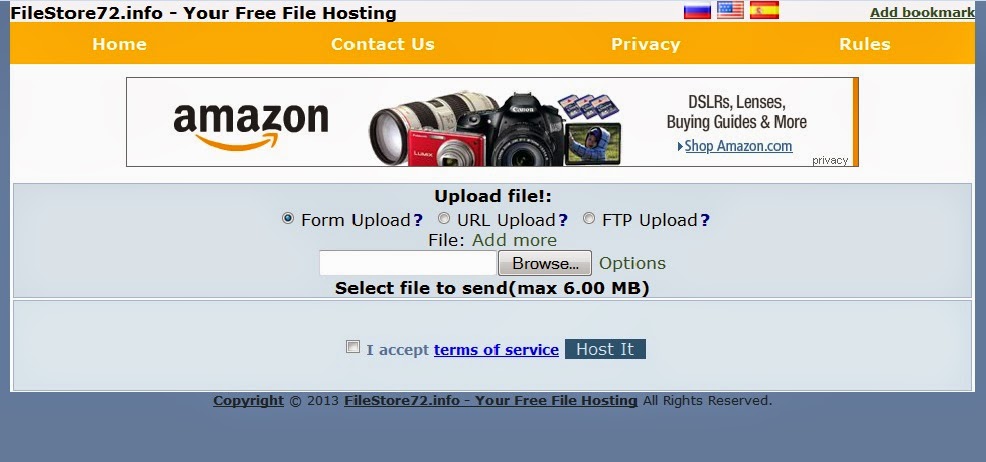
deemed as an annoying browser hijacker, is an unreliable website which often redirects the computer users to unwanted webpages against their will.

Filestore72.info,
a tricky and troublesome browser hijacker, can sneak into your computer without your permission. The browser hijacker usually hijacks some well-known browsers such as Google Chrome, Firefox and Internet Explorer, etc. As a result, it will cause endless annoying ads and unwanted redirects to you.


Filestore72.info can get inside users’ computers via freeware downloads from irregular websites, unreliable links and spam email attachments. Hence, you need to pay much attention to your online activities.

3/05/2015

Guides for Websearch.searchisfun.info Browser Hijacker Removal - How to Get Rid of Websearch.searchisfun.info Effectively From Web Browsers?

Know More about Websearch.searchisfun.info:


Websearch.searchisfun.info, a browser hijacker, can take control of your online activities via completely taking over your browsers such as Internet Explorer, Google Chrome and Mozilla Firefox. Websearch.searchisfun.info looks like a normal search engine website, but as matter of fact, it can do harm to your computer system. The browser hijacker is able to help its developers to collect the users’ private information. The computer users will get unreliable search results even dangerous viruses when the users search something on it.


10/30/2014

How to Remove www.datady.net,www.datacle.net and www.boxera.net Redirects and Pop-ups


My experience of suffering from www.datady.net,www.datacle.net and www.boxera.net


When I tried to open web browsers yesterday, I was redirected to some unknown sites randomly. After checking a few hours, I found there are three sites redirected me, here are the addresses of the sites; www.datady.net, www.datacle.net and www.boxera.net. I need help you fix this problem my computer, does someone can help me?