Showing posts with label get rid of annoying redirects. Show all posts

7/28/2015

Guide to Get Rid of Search.genieo.com Redirect Completely - Best Browser Hijacker Removal Tips


Complainer:

"A couple of days ago a search engine called Search.genieo.com piggybacked on all my browsers. It sets itself as the Home search engine and no matter how many times you take it off it comes back after every restart. I have not installed anything out of the ordinary within the past few days so have no clue how this happened.

Any help would be very much appreciated!"


If you encounter the same problem as the computer user above, please read this post which provides you with detailed information about Search.genieo.com and step-by-step removal guides.

7/23/2015

How to Remove SeekMx.com Browser Hijacker From Computer Completely? - The Best Removal Help Here


Why am I often redirected to SeekMx.com homepage all of a sudden? What is going on? Who can help me? Many thanks......


If you encounter the same problem as the computer user above, please read this post which can answer your questions and provide you with two effective removal methods to solve this problem completely.

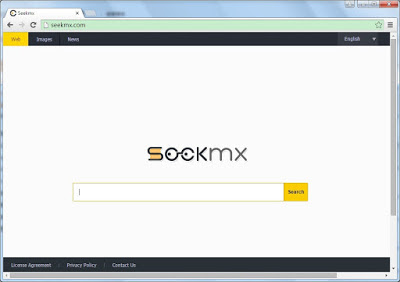
SeekMx.com is a suspicious search engine which has been categorized as an ad-supported platform and a browser hijacker. It can sneak into a computer via bundled with various freewares as an optional component, spam email attachments, corrupted websites, or malicious links. Once installed, it can hijack all common web browsers onto the PC, like Google Chrome, Internet Explorer, and Firefox, and then redirect you to its homepage or other third-party affiliate websites without any approval. That is why computer users consider it as an annoying browser hijacker.

A screenshot of SeekMx.com homepage:


6/18/2015

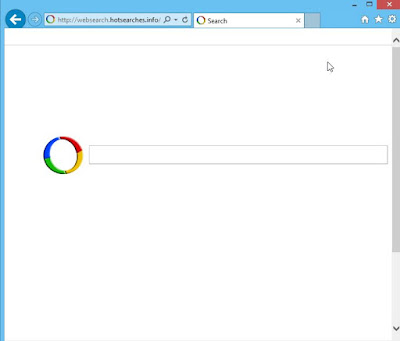
Easy to Remove Websearch.hotsearches.info - Best Way to Get Rid of Browser Hijacker


Websearch.hotsearches.info is considered as a browser hijacker which can be downloaded and installed via other free downloads from the Internet especially those unsafe sources. It is usually bundled itself with the installation of other free software. Therefore, if you do not want to download other unfamiliar things along with your desired software, you should pay close attention to the whole setup process. Websearch.hotsearches.info is compatible with all common web browsers, such as Internet Explorer, Google Chrome and Mozilla Firefox. Once installed on the target computer, it will alter your browser settings and change your default search engine to its website.

6/09/2015

Remove PrimoSearch.com Browser Hijacker From Chrome/ Firefox/ IE - Best Way to Get Rid of PrimoSearch.com Completely

Each time you open a web browser installed in your computer, you are suddenly redirected to PrimoSearch.com. What is it? Should I remove it? How to get rid of its redirects completely? Read this post to know more about this website and properly protect your  PC better.

What is PrimoSearch.com Actually?


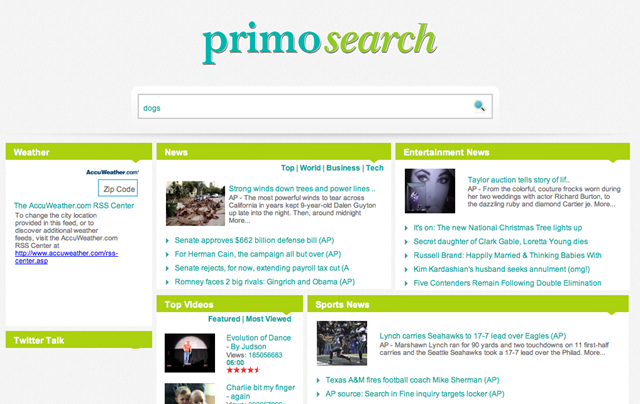
PrimoSearch.com belongs to the category of browser hijacker. It is able to alter your browser settings silently, such as Chrome, Firefox, IE, etc. Usually, this browser hijacker comes into your computer system along with free software especially those from unsafe sources. Therefore, you should download and install freeware online carefully. Once it manages to penetrate into your PC, it will attach itself to your web browsers as an ad-supported toolbar, extension or add-on automatically.
A Screenshot of PrimoSearch.com:


6/08/2015

Guide to Remove Yoursearching.com From Chrome/ Firefox/ IE - Useful Help for Yoursearching.com Browser Hijacker Removal

Each time you open a web browser installed in your computer, you are suddenly redirected to Yoursearching.com. What is it? Should I remove it? How to get rid of its redirects completely? Read this post to know more about this website and properly protect your  PC better.

What is Yoursearching.com?


A Screenshot of  Yoursearching.com:

Yoursearching.com belongs to the category of browser hijacker. It is able to alter your browser settings silently, such as Chrome, Firefox, IE, etc. Usually, this browser hijacker comes into your computer system along with free software especially those from unsafe sources. Therefore, you should download and install freeware online carefully. Once it manages to penetrate into your PC, it will attach itself to your web browsers as an ad-supported toolbar, extension or add-on automatically. Computer attacked by such a browser hijacker will suffer from many computer problems.
  1. The random changes to registry editors will result in many other corrupted Windows registry keys. Thus, this browser hijacker can automatically re-execute each operating system startup. 
  2. Fake computer scan will constantly pop up a message that your PC faces some computer threats. 
  3. Such a browser hijacker may steal your personal confidential information to the remote hackers, like your online login information, banking records, credit cards, IP address and many other online information. 
  4. Web browsers becomes vulnerable. As a result, more and more computer threats come into the infected machine along with this browser hijacker. 
  5. You will often be redirected to other unknown websites all of a sudden when you are visiting or searching something in a website. 
  6. Numerous ads will flood into your PC constantly.

5/28/2015

Good Way to Remove BetterSearch.tk From Chrome/ Firefox/ IE - BetterSearch.tk Browser Hijacker Removal Solutions

Suddenly be redirected to BetterSearch.tk again and again? Get annoyed with its redirects? You are looking for effective methods to get rid of it completely? You are welcomed to read this post and get help to fix this problem.

An Overview of BetterSearch.tk:


BetterSearch.tk is considered as a malicious browser hijacker which does cause much trouble to computer users. Once installed, it can corrupt all the most common used browsers such as Internet Explorer, Mozilla Firefox, and Google Chrome,etc. As a result, you may encounter endless annoying redirects. Besides, numerous unwanted and annoying ads display on the screen whenever you are online. What is more, the sponsored links may redirect you to some unwanted even malicious websites against your will. What is worse, keeping this browser hijacker on your computer may endanger your personal information like email address, banking records because it has the ability to track users' browsing histories and collect related information. So, there is no reason for you to keep such a potentially browser hijacker on your computer system.

A Screenshot of BetterSearch.tk:

5/26/2015

Remove Searchult.com From Chrome/ Firefox/ IE - Searchult.com Browser Hijacker Removal Support

Each time you open a web browser installed in your computer, you are suddenly redirected to Searchult.com. What is it? Should I remove it? How to get rid of its redirects completely? Read this post to know more about this website and properly protect your  PC better.

What is Searchult.com?


A Screenshot of Searchult.com:

Searchult.com belongs to the category of browser hijacker. It is able to alter your browser settings silently, such as Chrome, Firefox, IE, etc. Usually, this browser hijacker comes into your computer system along with free software especially those from unsafe sources. Therefore, you should download and install freeware online carefully. Once it manages to penetrate into your PC, it will attach itself to your web browsers as an ad-supported toolbar, extension or add-on automatically. Computer attacked by such a browser hijacker will suffer from many computer problems.
  1. The random changes to registry editors will result in many other corrupted Windows registry keys. Thus, this browser hijacker can automatically re-execute each operating system startup. 
  2. Fake computer scan will constantly pop up a message that your PC faces some computer threats. 
  3. Such a browser hijacker may steal your personal confidential information to the remote hackers, like your online login information, banking records, credit cards, IP address and many other online information. 
  4. Web browsers becomes vulnerable. As a result, more and more computer threats come into the infected machine along with this browser hijacker. 
  5. You will often be redirected to other unknown websites all of a sudden when you are visiting or searching something in a website. 
  6. Numerous ads will flood into your PC constantly.

5/20/2015

How to Remove Everything-start.com Browser Hijacker From Chrome/ Firefox/ IE Effectively - The Best Removal Guide

Each time you open your web browsers, you are redirected to Everything-start.com without your permission. At first sight, this website looks like legitimate and you may keep using it as your search engine. However, you should keep in mind that it automatically replace your homepage and default search engine without any approval. Obviously, it is an unreliable website which has the same capabilities as a browser hijacker that you should not keep on your PC. Without taking any actions to remove it from your computer system, your computer will end up with numerous computer problems. Read this post to know more about this browser hijacker and safeguard your PC from the latest computer viruses better.

What is Everything-start.com?


Everything-start.com is an unreliable website which is categorized as a browser hijacker promoted via bundled with freeware especially those from unsafe sources. It usually is bundled with the freeware installation as an optional offer set for automatic installation. So, computer users very often download this browser hijacker or other unwanted programs unwittingly. Recently, bundling seems to have been a very common method for cyber criminals to distribute third party websites. Therefore, the users should pay close attention to the freeware download and installation. Once this browser hijacker manages to penetrate into the computer system, it will alter and replace users' browser homepage as well as default search engine, then the users will be redirected to its own site - everything-start.com again and again.

4/14/2015

Help to Remove Search.webssearches.com From IE/ Chrome - Completely Get Rid of This Browser Hijacker

About Search.webssearches.com:


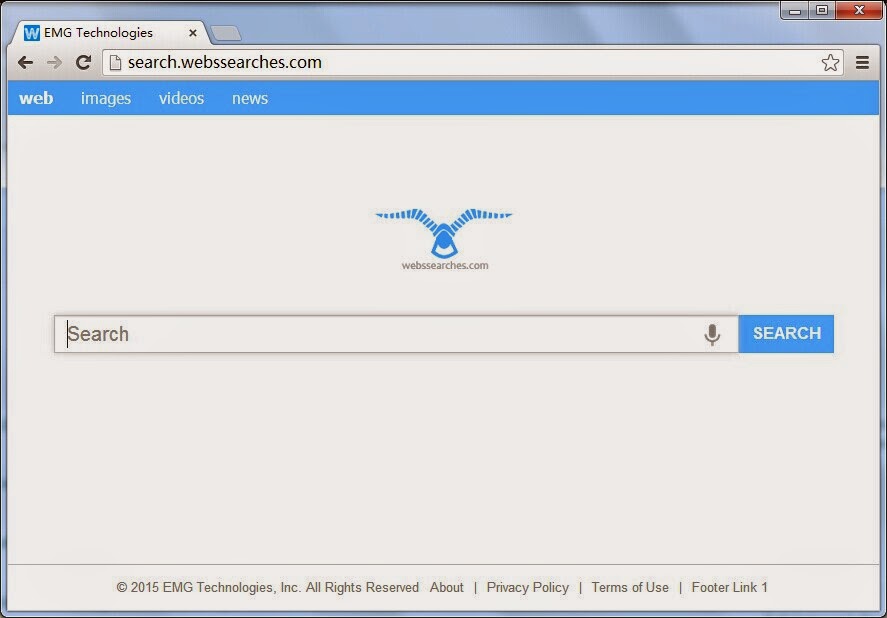
Search.webssearches.com is an unreliable website which is categorized as a browser hijacker promoted via bundled with freeware. It usually is bundled with the freeware installation as a optional offer set for automatic installation. So, computer users very often download this browser hijacker or other unwanted programs unwittingly. Recently, bundling seems to have been a very common method for cyber criminals to distribute third party websites. Therefore, the users should pay close attention to the freeware download and installation. Once this browser hijacker manages to penetrate into the computer system, it will alter and replace users' browser homepage as well as default search engine, then the users will be redirected to its own site - search.webssearches.com.

4/09/2015

How to Remove MyAllSearch Totally - Guide to Get rid of MyAllSearch Browser Hijacker Effectively

What is MyAllSearch?


MyAllSearch is an unreliable search engine which is deemed as a browser hijacker promoted via irregular free downloads. With its successful installation on your computer, it will alter your browser homepage and default search engine and add MyAllSearch Toolbar to your browsers.